CL
Claude Codeproposal
Extract the validation logic first. It reduces duplication and makes the behavior easier to test.
Codebate is an open-source orchestration workspace for Claude Code, Codex, and Cursor to discuss tasks, challenge plans, perform multi-agent code review, and safely execute changes before you approve them.
npx codebate
Runs locally. Uses the coding-agent subscriptions and CLIs you already have.
One agent proposes. Another finds a flaw. You copy the response back, repeat the context, and try to remember what was actually resolved.
“Take Claude’s plan, ask Codex to review it, send the objections back, then repeat until the plan is solid.”
Codebate turns that improvised loop into a structured local session.
Agents can disagree. Codebate keeps the discussion structured and makes the unresolved parts visible.
Multiple coding agents see the same task and project context, then challenge each other’s assumptions and proposals.
Agreements, open items, required user decisions, and malformed agent controls are handled explicitly — not hidden in a polished summary.
Changes can be made in an isolated clone, reviewed against the exact tree, then accepted or discarded by you.
Codebate focuses on a specific AI workflow: independent coding agents discussing the same task and producing a reviewable outcome.
Learn how coding agents plan, review, and execute work — and where multi-agent coordination helps.
Read the guide →Use independent coding agents to challenge a change and review the exact same code tree.
Read the guide →Replace manual copy-paste between coding tools with one structured collaboration session.
Read the guide →Codebate is designed around local execution, explicit approval, and honest failure states.
Your project and session stay on your machine. Codebate orchestrates the installed CLIs you choose.
Execution happens outside your working repository, inside a temporary clone that can be reviewed safely.
The finalizer explains the official outcome. It does not silently rewrite it, and nothing is accepted without your decision.
Codebate is ready for early testing, not polished promises. The most useful feedback now is what happens in real repositories and real workflows.
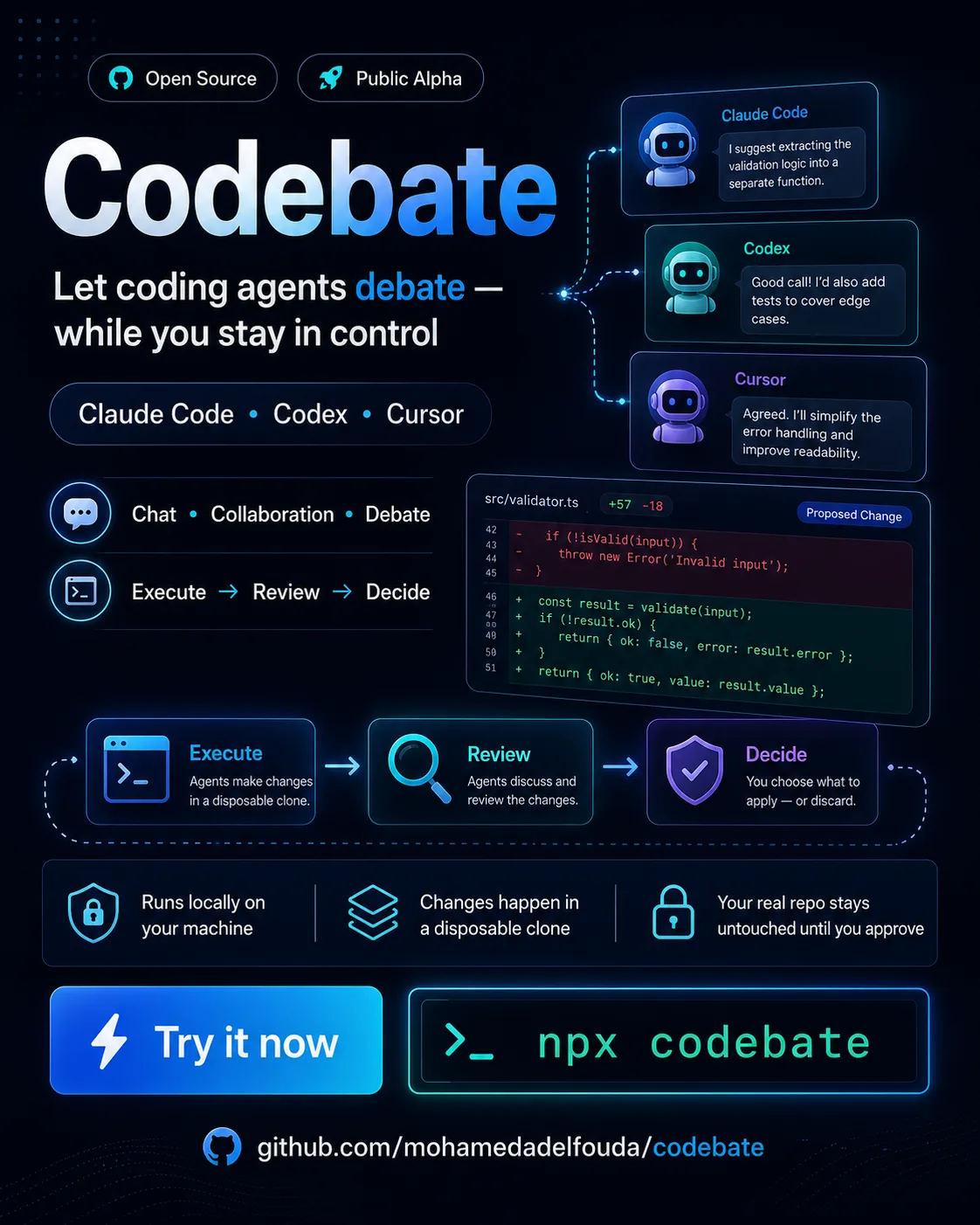
Codebate is an open-source local workspace that coordinates multiple AI coding agents in one structured session. Agents can discuss a task, challenge proposals, track unresolved items, review changes, and converge before you approve the final result.
No. Codebate does not replace Claude Code, Codex, or Cursor and does not provide model access. It orchestrates the supported coding-agent CLIs and subscriptions already installed on your machine.
Yes. Codebate can let one agent execute a change in a disposable clone while other agents review the exact resulting tree. You decide whether to accept or discard the reviewed change.
No. Execution is designed to happen in an isolated clone, and the reviewed change is only applied after an explicit user decision.
Codebate supports Claude Code and Codex CLI, with an experimental Cursor CLI integration. Provider capabilities and safety restrictions can differ by operating system.
Yes. Codebate runs on your machine and invokes the installed provider CLIs you select. Review the security documentation before using it with sensitive repositories.
Install nothing globally. Open your project, run one command, and choose the providers you already use.